

How to Download HF786 Game:
If you are searching for How to Download HF786 Game, you probably want a simple and clear guide that explains where to get the app, how to download the APK, and how to install it on your Android phone. Many users become confused when an app is not available through their usual app store, especially when they see different download pages and APK versions online.
This guide focuses specifically on How to Download HF786 Game. You will learn how to check the download source, download the APK, allow installation when necessary, install the application, and solve common download problems.
Because APK versions and requirements can change, always check the current information on the platform’s official or trusted source before installing a file. Different websites currently list different HF786 versions and requirements, so users should not assume that an older APK is the latest one.
What Is HF786 Game?
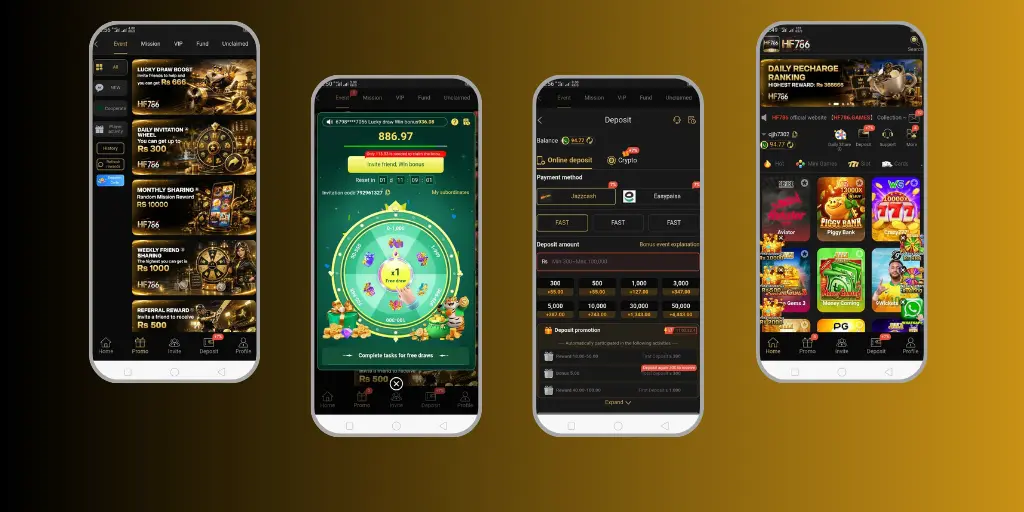
HF786 Game is presented online as a mobile gaming platform that provides access to different gaming categories through a mobile application. Several current pages describe an Android APK installation process rather than a standard app-store installation.
The exact games, features, version number, and device requirements can change when the application is updated. Therefore, the most important step before starting the How to Download HF786 Game process is checking that you have the correct and current application file.
How to Download HF786 Game on Android
The following steps explain the basic process for downloading HF786 Game on an Android device.
Step 1: Find the Correct HF786 Game Download Page
First, open a browser on your Android phone and find the official HF786 download source.
Check the website address carefully before pressing any download button. There are multiple websites using the HF786 name, and not every APK found through a search engine should automatically be treated as an official application.
A current HF786 website describes its APK as the downloadable Android application and provides a dedicated download option.
Step 2: Check the APK Information
Before downloading, look for basic information about the APK, such as:
- Application name
- Version number
- Android compatibility
- File size
- Update information
- Developer or publisher information
This is important because online sources currently show different HF786 versions and Android requirements. Checking the information on the download page helps you avoid installing an outdated or incompatible file.
Step 3: Tap the HF786 Download Button
Once you have verified the source and application information, tap the Download APK button.
The APK file should begin downloading to your Android device. Depending on your internet connection and the file size, the process may take a few moments.
Do not close the browser while the download is in progress if your device does not support background downloads properly.
Step 4: Wait for the Download to Finish
Allow the APK file to finish downloading completely.
You can usually find the downloaded file in your phone’s folder. You may also be able to open it directly from the browser’s download notification.
If the download stops halfway, check your internet connection and available storage before trying again.
How to Install HF786 Game After Downloading
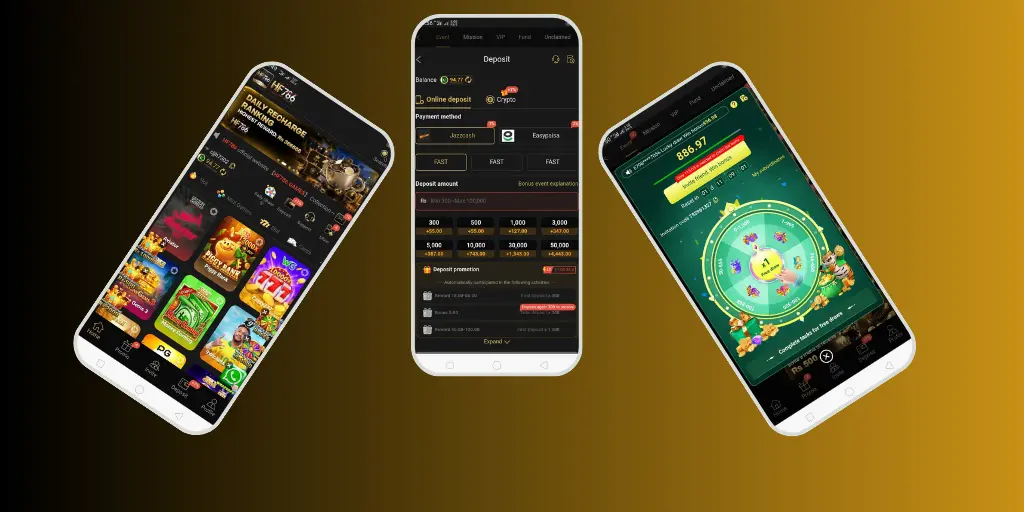
Downloading the APK is only the first part of the process. After the file has been downloaded, you need to install it.
Step 1: Open the APK
Open your phone’s Files, File Manager, or browser download section.
Find the HF786 APK file and tap it.
Android should display an installation screen if the file is compatible with your device.
Step 2: Allow Installation From Your Browser if Required
Android can restrict applications installed from outside the Google Play Store.
If your phone displays a message saying that installation from the current source is not allowed, open the relevant security or app-installation settings and allow the browser or file manager to install the APK.
The exact wording and location of this setting can differ between Android versions and phone manufacturers.
Only enable this permission when you have verified the source of the APK. Do not enable installation permissions for unknown websites simply to make an installation work.
Step 3: Tap Install
Return to the APK file and tap Install.
Wait while Android completes the installation. Once the installation finishes, you can normally select Open to launch HF786 Game.
Current online installation guides describe the same general sequence: download the APK, open the downloaded file, allow installation when Android requires it, and complete the installation.
What to Do After installing HF786 Game
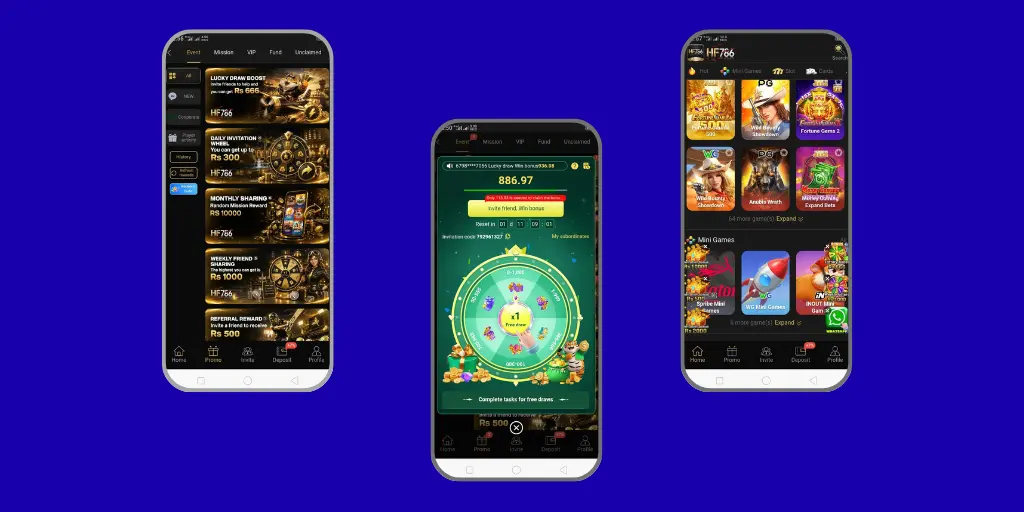
After successfully installing HF786 Game, open the application and check the main screen.
If you already have an account, use the login option provided by the platform.
If you are a new user, follow the registration instructions shown inside the application or on the official platform. Do not share your password or verification code with another person.
Some current HF786 pages describe registration using a mobile number and verification code, but the exact registration process can change with new versions.
How to Fix HF786 Game Problems
Sometimes users follow the correct steps but still cannot download or install the application. Here are some common solutions.
HF786 APK Is Not Downloading
If the instal does not start, first check your internet connection.
You should also make sure that your phone has enough free storage. A full device can prevent an APK from downloading correctly.
If the problem continues, return to the verified download page rather than searching for random APK mirrors.
HF786 APK Will Not Install
If Android refuses to install the APK, several things could be responsible.
The file may be incomplete, the APK may not support your Android version, or your phone may have installation restrictions enabled.
Delete an incomplete download and obtain the current file from a trusted source. Also check the compatibility information provided on the download page.
HF786 Game Stops Working After Installation
If the application installs but does not open correctly, restart your phone and try again.
You can also check whether a newer version is available. Different websites currently publish different HF786 versions, which makes checking the current source particularly important.
Important Safety Checks Before Installing HF786 Game
Knowing How to Download HF786 Game is not only about pressing the download button. You should also check the APK before installing it.
Download From a Verified Source
Avoid random websites that offer modified, cracked, or altered APK files.
A modified APK may not be the same application as the original file and could create security or account problems.
Check App Permissions
After installation, review the permissions requested by the application.
If an app asks for permissions that do not appear necessary for its basic function, stop and investigate before continuing.
Keep Android Security Updated
Keep your Android operating system and built-in security features updated. Android may also warn you when an APK appears suspicious or comes from an untrusted source.
Do not ignore security warnings simply because you want to finish the installation.
Can You Download HF786 Game on iPhone?
The download method depends on whether the platform currently provides an official iOS version.
Some online pages claim iOS availability, while other current sources specifically describe an Android APK process. Because these claims are inconsistent, iPhone users should verify iOS availability directly from the current official platform rather than installing an Android APK on an iPhone.
An Android APK cannot be installed directly on an iPhone.
Frequently Asked Questions
Final Words on How to Download HF786 Game
If your main search is How to Download HF786 Game, the process can be summarized in a few simple steps: find the correct download source, check the current APK information, download the file, open it from your Downloads folder, allow installation from the relevant source only when necessary, and complete the installation.
The most important part is not simply finding an APK file. You should verify the source and check the version and compatibility information before installing anything. Current websites list different HF786 versions and requirements, so relying on an old article or random APK page can create unnecessary problems.
After installation, open the application, follow the current registration or login instructions, and review the available features. If the APK does not install or the application does not open, check your Android version, storage, internet connection, security settings, and whether a newer official version is available.
By following these steps carefully, you can understand the complete How to Download HF786 Game process without unnecessary confusion.